The Universal Adapter: Driving the Model Context Protocol (MCP) Client with Workload Automation
Introduction
Let us begin by understanding the Model Context Protocol (MCP) Client integration—an innovative, open-standard capability designed to enhance HCL Automation Orchestrator Suite users. By standardizing how your central orchestration engine connects to external tools, infrastructure, and operational utilities, this integration allows enterprises to securely discover and invoke specialized data sources and command layers without the overhead of building bespoke plugins for every internal IT asset.
The Model Context Protocol (MCP) Client can be downloaded directly from the Automation Hub to instantly bring plug-and-play architectural flexibility to your HCL Workload Automation setup.
Overview of Model Context Protocol (MCP) Client Integration
The Model Context Protocol (MCP) Client integration for HCL Workload Automation provides a cutting-edge, open-standard solution for connecting your automation workflows directly to external infrastructure, tools, and operational utilities.
Developed as an open-source specification to prevent enterprise application fragmentation, MCP standardizes how orchestrators interact with specialized data sources and command layers.
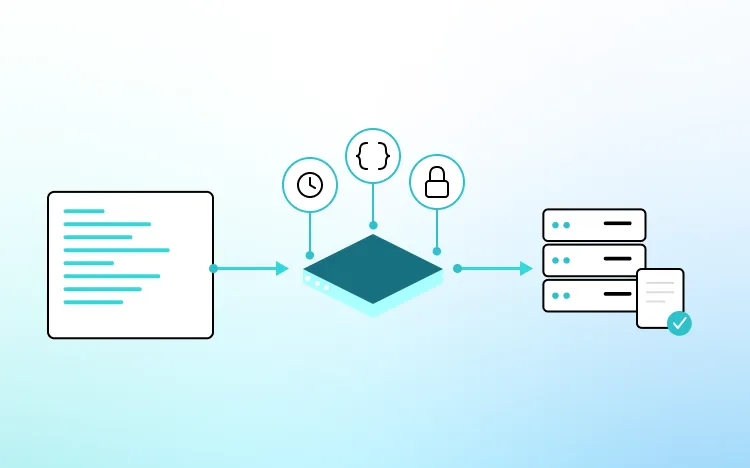
Acting as a secure MCP Client, this integration allows HCL Workload Automation to dynamically discover and invoke tools exposed by any compliant MCP Server, providing a plug-and-play framework that eliminates the need to develop custom, bespoke plugins for every internal or niche IT asset.
Key Features of the MCP Client Integration
The Model Context Protocol (MCP) Client integration is built to maximize architectural flexibility and standardization across hybrid IT ecosystems:
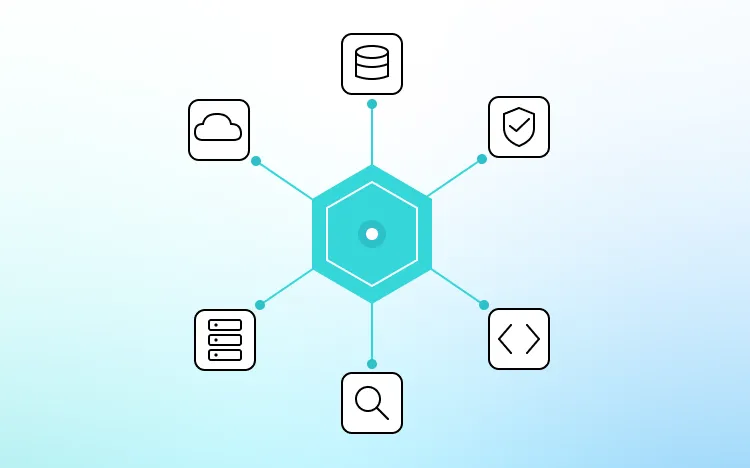
- Unified Plug-and-Play Framework: Invoke deterministic diagnostics, database utilities, and cloud operations across any infrastructure exposing an MCP interface without writing custom integration code.
- Dynamic Tool Discovery: Connect to local or remote MCP Servers at task definition time, automatically parsing available primitives (tools, resources, and prompts) directly from the Universal Orchestrator Console.
- Type-Safe Parameter Passing: Safely pass precise arguments and variables from the orchestrator to remote tool endpoints, ensuring exact execution across infrastructure boundaries.
- Structured Property Capture: Automatically capture text-based and structured outputs returned by the MCP Server, exposing them natively as job properties for downstream routing and decision-making.
- Secure Transport and Auth Support: Establish stateful, secure sessions using modern transport standards (such as SSE or local I/O) combined with flexible authentication methods including:
- Basic Authentication
- Bearer Tokens
- API Keys
- Native Ecosystem Compatibility: It is fully integrated with Workload Automation, allowing you to seamlessly interleave open protocol actions with traditional deterministic IT jobs.
Enterprise Use Cases:
The Model Context Protocol (MCP) Client integration functions as a universal adapter for modern, automated operations:
- Automated Infrastructure Health Monitoring: Instantly invokes specialized diagnostic tools on internal servers to triage anomalies and aggregate log files immediately after a failure event occurs.
- No-Code Tool Chain Stitching: Rapidly links proprietary, in-house database scripts or security scanners into main production flows without waiting for dedicated vendor plug-in development.
- Dynamic Security Vulnerability Analysis: Triggering an MCP Server (such as the HCL AppScan MCP Server) to parse code repositories, pull Static Application Security Testing (SAST) and Dynamic Application Security Testing (DAST) results, and return structured risk reports directly into the operational workflow.
- Cross-System Incident Triage: Coordinating between external monitoring systems and ticketing databases via standardized tool calls to assemble an un-attended diagnostic summary.
Example Workflow: Automated Infrastructure Health Triage
The Model Context Protocol (MCP) Client integration serves as an automated first responder for enterprise environments. In an Automated Infrastructure Health Monitoring scenario, a high-priority scheduled batch process fails late at night, triggering an alert inside Workload Automation.
Here is how the automated workflow executes step-by-step:
Incident Detection & MCP Execution: Instead of waiting for an engineer to log in, the orchestrator instantly executes an MCP Client task mapped to an internal operational MCP Server.
Diagnostic Tool Invocation: It invokes a specialized tool called diagnose_failed_jobs, passing the list of failed job IDs as type-safe arguments.
Automated Remediation Routing: The MCP Server connects to the underlying logs, queries the monitoring framework, and aggregates a structured summary. HCL Workload Automation reads this textual output property and triggers a sequential task invoking a second tool, suggest_remediation.
Incident System Update: The prescriptive corrective action is automatically parsed and forwarded directly to the incident management system, significantly compressing the Mean Time to Repair (MTTR) before human intervention is required.
Conclusion:
The Model Context Protocol (MCP) Client integration transforms HCL Workload Automation into an incredibly versatile, future-proof command center. By adopting a universal interface standard for data and tool connectivity, it strips away the engineering overhead of building custom middleware—allowing your enterprise to expand its automation perimeter with unprecedented speed, security, and architectural simplicity.


Start a Conversation with Us
We’re here to help you find the right solutions and support you in achieving your business goals.